
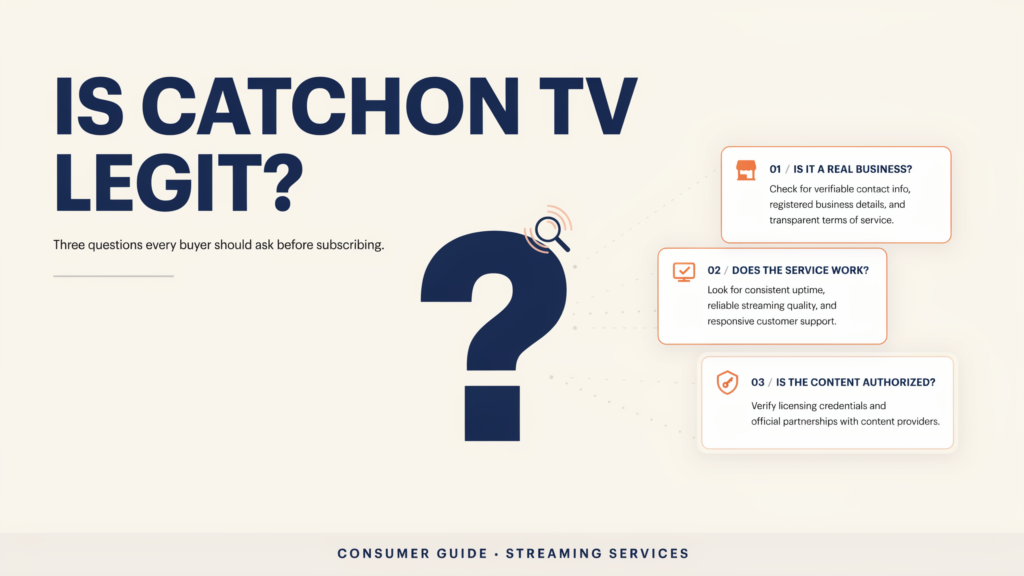
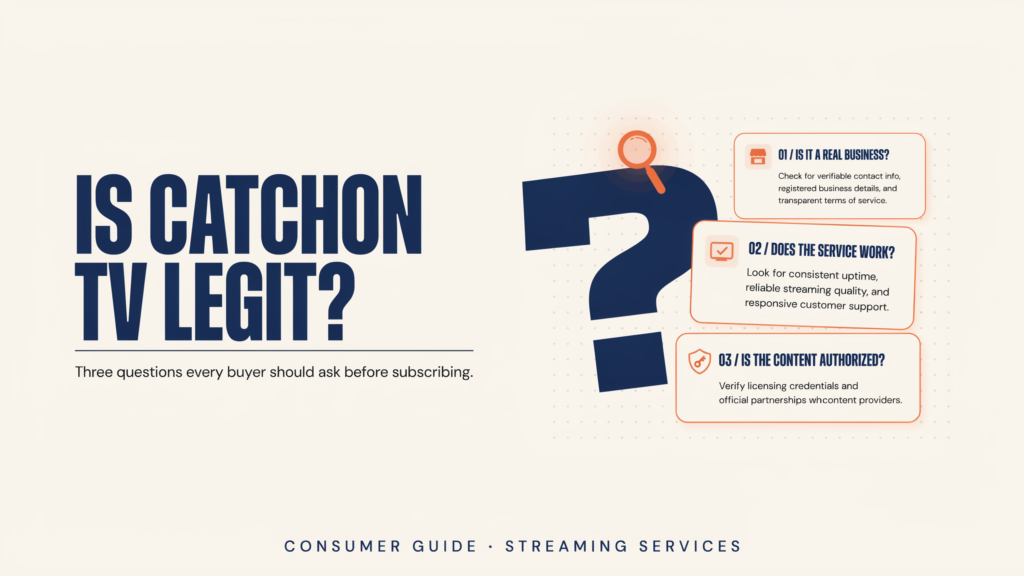
People asking is CatchON TV legit are usually trying to answer three separate questions: Is the website operated like a real business, will the purchased service work as described, and does the provider have authorization for the content it distributes?
The public website includes subscription, contact, tutorial, privacy, terms, refund, and support pages. Those are positive trust signals, but their existence alone does not prove content licensing or guarantee future performance.
The safest answer is therefore conditional: evaluate the domain, seller identity, payment process, policies, device compatibility, trial conditions, and support response before purchasing. Do not rely on words such as “official,” “licensed,” or “legal” unless the provider can supply verifiable evidence.
Review the CatchON TV subscription process and read the policies before submitting payment information.
Table of Contents
Table of Contents
What Does Legit Mean for IPTV?
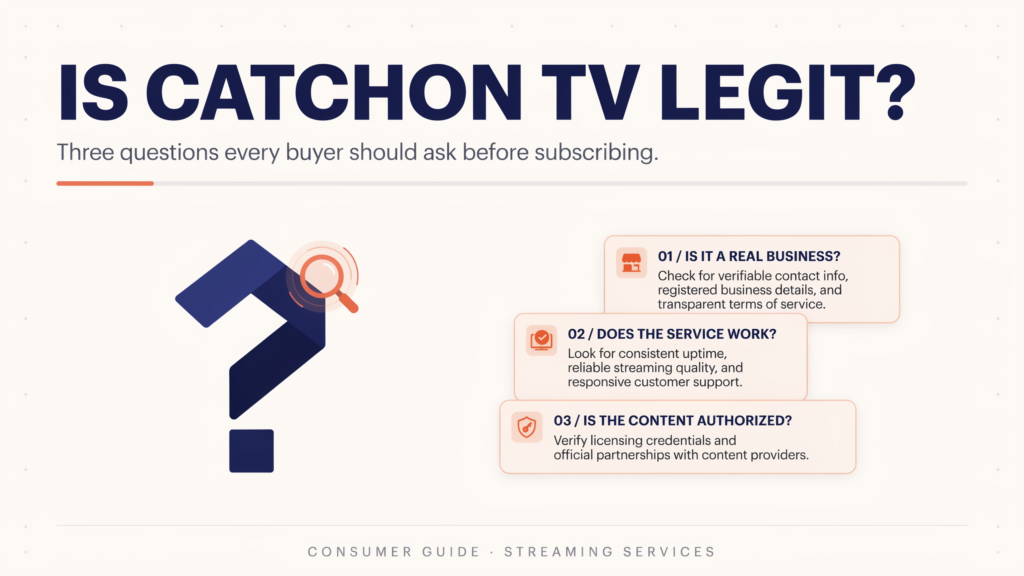
The word “legit” is often used too broadly. A website can accept payments and deliver working credentials without necessarily proving that it has distribution rights for every channel or program.
A complete legitimacy review should examine several independent areas.
Business legitimacy
A credible seller should provide a consistent domain, functional contact method, readable policies, clear plan terms, and a payment process that identifies what the customer is buying.
Technical legitimacy
The account should work through the stated installation method. Login credentials should be delivered securely, and support should be capable of resolving activation, EPG, application, or connection problems.
Content authorization
The provider should be able to explain how it is authorized to distribute the content it sells. Large channel counts, sports access, premium networks, or international libraries do not prove authorization by themselves.
Transaction safety
Customers should know the amount, billing period, connection count, renewal terms, refund conditions, payment recipient, and support process before completing the transaction.
CatchON TV Trust-Check Comparison
| Trust signal | What it indicates | What it does not prove | Recommended action |
|---|---|---|---|
| HTTPS website | Encrypted browser connection | Content licensing | Confirm the exact domain |
| Subscription page | Organized buying process | Guaranteed delivery | Review plan details |
| Terms and privacy pages | Published operating policies | Independent enforcement | Read before payment |
| Refund policy | A stated refund process | Automatic approval | Save a copy |
| Support page | A contact route exists | Response quality | Send a pre-sale question |
| Installation tutorial | Device guidance is available | Compatibility with every model | Check exact device |
| Trial option | Possible compatibility testing | Full long-term performance | Confirm terms in writing |
| Channel list | Content categories are displayed | Permanent availability or rights | Verify essential channels |
No single row is enough to determine legitimacy. Confidence comes from several checks producing consistent results.
Before selecting a long subscription, test the complete buyer journey. Confirm the domain, contact support, check your device, request current trial conditions, review the policies, and verify the final payment recipient.
Is CatchON TV Legit Based on Its Website?
The site presents more information than a single anonymous checkout page. It has an order form, device tutorials, a contact page, a refund policy, terms of service, and a privacy policy.
These elements help customers understand the buying and support process. They should still be checked for consistency.
For example, the domain named in the page text, email address, checkout process, confirmation message, and payment request should all correspond to the seller you intended to contact. Similar brand names can be used by unrelated websites.
The presence of professional design, channel logos, testimonials, or a large catalog is not sufficient evidence. Those elements can be copied or reproduced easily.
Check the Website and Domain
Begin from the domain you deliberately entered rather than a link received through an unsolicited message.
For this website, the domain is catchontvus.com. Confirm that the spelling remains the same when you open the subscription page, policies, support form, and payment instructions.
Be cautious when:
- The browser redirects to an unrelated domain without explanation.
- The payment request comes from a different brand or seller.
- Support asks you to ignore the information displayed on the website.
- A social-media account offers a dramatically different plan.
- The seller refuses to provide written order details.
- The checkout page does not identify the duration or connection count.
A different payment processor domain is not automatically suspicious. Many businesses use external processors. The seller should still explain who will appear on the payment statement and what happens after payment.
Review Policies and Payment Terms
Read the terms before purchasing rather than after a problem occurs. Focus on billing cycles, renewals, trial conditions, account restrictions, connection limits, and prohibited uses.
The CatchON TV terms describe subscription billing and state that certain refund requests may be considered according to the applicable policy. The separate refund page should therefore be reviewed before payment.
Do not interpret a refund-policy page as a guarantee that every request will be approved. Save a dated copy of the terms that applied when you ordered.
The order confirmation should show:
- Subscription duration.
- Number of connections.
- Device or application information.
- Total amount.
- Payment method.
- Customer email.
- Activation process.
- Support contact.
- Renewal or expiration date.
Avoid sending sensitive documents, account passwords, or payment-card details through informal messaging channels unless the purpose and recipient have been verified.
Verify Channel Authorization
IPTV is a delivery technology. It can be used by authorized broadcasters and subscription platforms, but it can also be used to redistribute content without permission.
A claim that “IPTV is legal” does not establish that a particular provider has rights to every channel. Legality depends on the source, licensing arrangements, territory, and content-distribution permissions.
Ask direct questions when authorization matters:
- Who authorizes the provider to distribute the listed networks?
- Are there geographic restrictions?
- Does the package include only content available in the customer’s location?
- Are premium events separately authorized?
- Can the provider identify its distribution partners?
Do not publish claims that CatchON TV is licensed, official, fully legal, or affiliated with named networks unless documentation is available. Trademark names should be used only to describe compatibility or a customer’s requested channel.
Evaluate the Channel List Carefully
The site’s channel page describes broad categories such as sports, movies, series, news, and international programming. Exact channel and VOD availability can change.
A high total does not tell you whether the service includes your required local station, language, sports feed, subtitle option, or EPG data.
Create a short requirement list before contacting support. Five essential channels are more useful for testing than an advertised total of thousands.
Ask support to confirm current availability, but remember that availability and content authorization are different questions.
Test Compatibility and Performance
A trial or short plan can reduce technical risk. It cannot prove that every stream will work permanently, but it can show whether your device and network are suitable.
Test on the exact device you plan to use. A successful phone test does not confirm that an older Smart TV has enough memory, decoder support, or application compatibility.
During the test, check:
- Login and playlist loading.
- Channel-category navigation.
- Remote-control behavior.
- Search and favorites.
- EPG data.
- Video and audio synchronization.
- Subtitle availability.
- Channel switching.
- Evening performance.
- Support response.
Streaming quality depends on the device, application, internet connection, Wi-Fi strength, network congestion, resolution, and stream source. No provider should promise that buffering is impossible.
Review Support Quality
Send a practical question before paying. A useful pre-sale question might include your device model, operating system, required number of connections, and preferred channel category.
A credible response should address the actual question rather than sending only a payment link.
Check whether support can explain:
- Which application to install.
- Whether that application has a separate fee.
- Which login format will be provided.
- How simultaneous connections work.
- How long activation normally takes.
- What information is required for troubleshooting.
- What happens if your exact device is incompatible.
The site provides a dedicated CatchON TV support page for customer contact.
Protect Your Device and Information
Install applications only from the device’s official store or from a source confirmed through the seller associated with your order.
Android and Fire TV devices may support sideloaded applications. Sideloading is not automatically unsafe, but it bypasses some app-store review protections.
Before installing an APK:
- Confirm the exact application name.
- Confirm the source through the site or support team.
- Avoid download links posted by unrelated accounts.
- Review the requested permissions.
- Keep the device operating system updated.
- Do not grant unnecessary access to contacts, messages, files, or accessibility controls.
- Remove applications you no longer trust or use.
An IPTV application does not need your banking password, email password, or social-media credentials.
Examine the Payment Request
The final amount should match the selected duration and number of connections.
A payment recipient can use a business name different from the website brand, but unexplained differences deserve clarification. Ask for confirmation before paying rather than assuming.
Use a payment method that provides a clear receipt and transaction reference. Keep screenshots of the selected plan, payment instructions, confirmation, and support conversation.
Do not send the same payment more than once because activation appears delayed. Contact support using the site’s published method and provide the existing transaction reference.
How to Evaluate CatchON TV Before Subscribing
Confirm the domain
Open catchontvus.com directly and verify that the domain remains consistent through the pages you use.
Read the policies
Review the terms of service, privacy policy, and refund policy.
Contact support
Ask a specific question about your device, application, connection count, trial conditions, and required content.
Check compatibility
Use the installation tutorial to determine whether the recommended setup supports your exact device.
Verify content requirements
Review the channel categories and request confirmation for the channels that matter to you.
Test before a long commitment
Use a confirmed trial or short subscription where available. Verify whether the trial is free or paid and obtain the conditions in writing.
Review the payment
Confirm the amount, recipient, duration, connection count, and delivery method before submitting payment.
Save records
Keep the order confirmation, payment receipt, policies, credentials, support details, and expiration date.
Common Warning Signs
A buyer should pause when a seller:
- Guarantees permanent access to every premium channel.
- Claims zero buffering under all conditions.
- Refuses to disclose subscription duration.
- Pressures the customer to pay immediately.
- Changes the price after payment.
- Requests payment more than once for the same order.
- Sends an application from an unexplained source.
- Cannot identify its refund terms.
- Avoids questions about content authorization.
- Uses fake countdowns or fabricated scarcity.
These signs do not automatically prove fraud, but they increase risk and require further verification.
Conclusion: Is CatchON TV Legit?
The most accurate answer to is CatchON TV legit is that the site displays several normal business and support elements, including subscription, tutorial, contact, policy, and refund pages. Those elements improve transparency but do not independently prove licensing, content authorization, or guaranteed performance.
Evaluate the service through evidence rather than marketing language. Confirm the domain, read the policies, test your device, verify essential channels, review the payment recipient, and begin with the lowest reasonable commitment.
After completing those checks, review the CatchON TV subscription options and select a plan only when the terms match your requirements.
Frequently Asked Questions
Is CatchON TV legit in the United States?
The website’s existence and operation do not by themselves determine content legality. IPTV legality depends on whether the provider has authorization to distribute the content in the applicable territory.
Is CatchON TV an official provider?
Do not describe the service as official without verifiable evidence from the relevant networks, rights holders, or distribution partners. Similar CatchON names and domains can also exist.
How can I identify the real CatchON TV website?
Use the domain associated with the seller you evaluated, verify that checkout and support details remain consistent, and avoid links from unsolicited messages. For this site, the domain being evaluated is catchontvus.com.
Does a refund policy prove that the service is trustworthy?
No. It is a useful transparency signal, but customers should read the conditions, exclusions, time limits, and approval process before purchasing.
Should I purchase a twelve-month plan immediately?
A long plan should generally be considered only after compatibility, content availability, support, and normal performance have been tested.
Is the CatchON TV application safe?
Safety depends on the exact application and download source. Use a confirmed store listing or installation source, review permissions, and avoid APK files distributed by unrelated accounts.
Can a trial prove that every channel will always work?
No. A trial can verify current compatibility and performance, but channel sources, schedules, applications, networks, and availability can change.
What should I ask support before subscribing?
Ask about your exact device model, application, separate player fees, login method, simultaneous connections, trial terms, essential channels, activation process, and refund conditions.
